As you may know, we at Pixotope don't typically do trade show booths - we'd rather spend that time building product. But when our partner SRSG invited us to demonstrate our XR graphics product at their Broadcast India 2025 booth, we said yes.
The assignment: SRSG wanted to run a live XR demo on the show floor: not a pre-rendered video, not a controlled environment showcase. Actual live XR with real camera tracking.
It turned out we were the only live XR demo at the entire show this year.
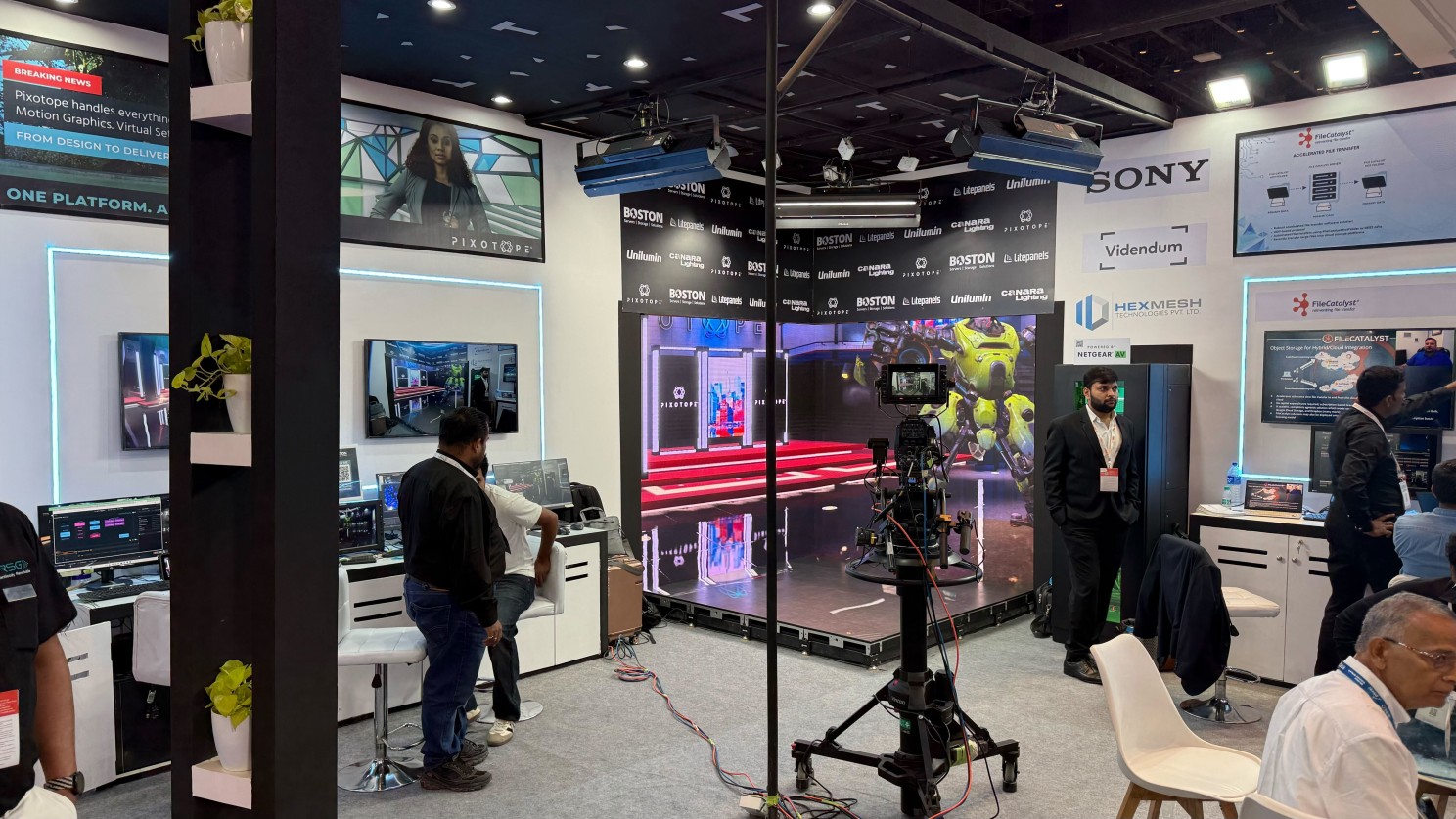
Not because we're braver than everyone else but because we've learned the hard way what separates a working XR setup from an expensive LED wall showing a green screen.
The reality is simple: getting XR working in a controlled studio is one thing. Getting it working on a dusty trade show floor with limited access, tight timelines, and everyone watching?
That's a different story. Not everyone can pull off XR in just about 5 hours.
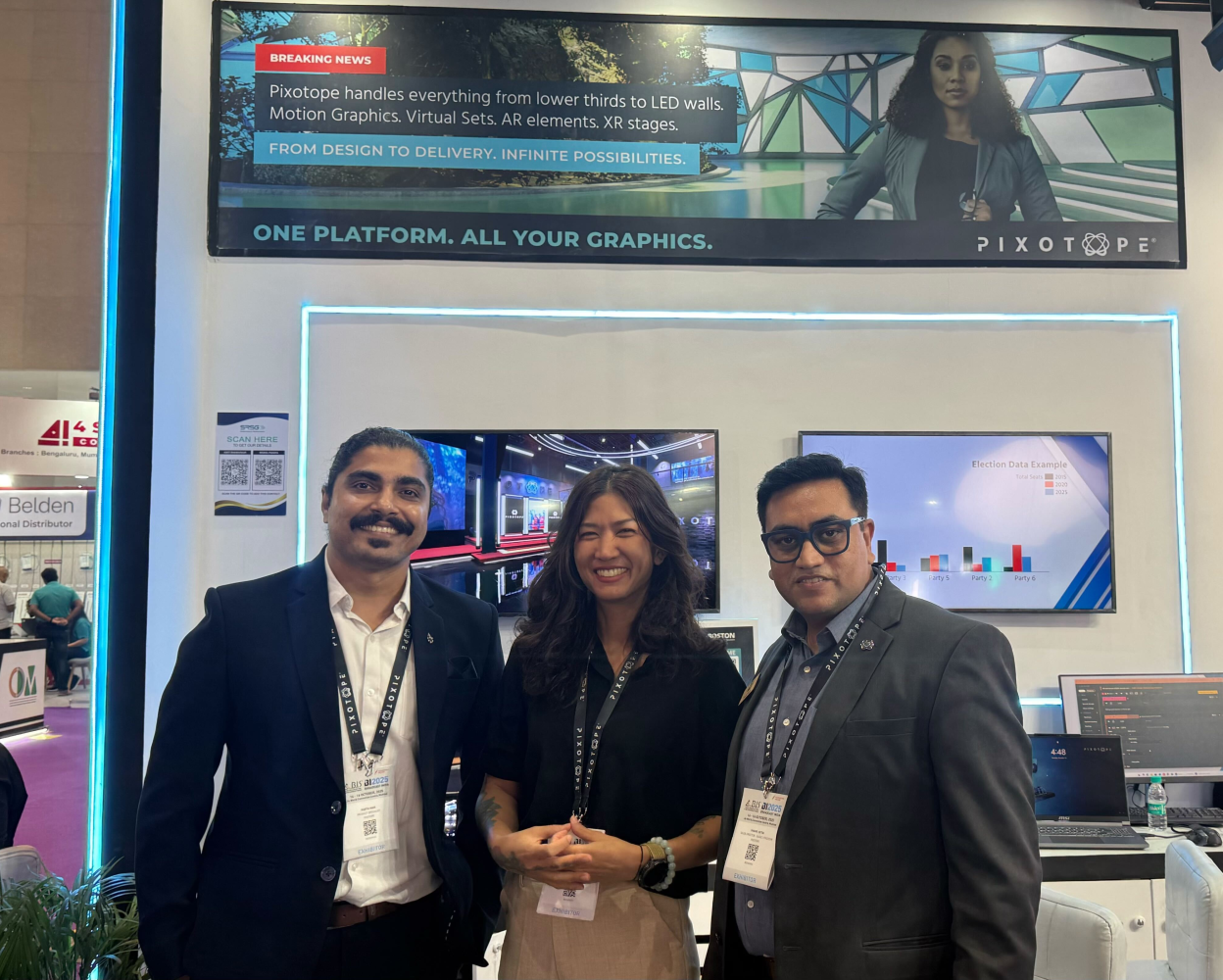
Pixotope Team at Broadcast India 2025
Live XR Trade Show Demos: Lessons Learned
If you're considering a live XR demo at a trade show, here's what we learned:
Tracking foundation: Install reflective markers and reference points with camera angles and potential floor issues in mind. This isn't something you improvise on show day.
Timeline reality: Booth access is rarely when you expect it. At Broadcast India, we could only access the booth at 11 PM. We completed tracking setup, LED alignment, delay calibration, and color matching by 4 AM. Plan your setup sequence assuming delays, and know which tasks can wait and which can't. Tracking setup, LED alignment, delay calibration, and color matching all need to happen in order - rushed or not.
Energy management: If booth access gets delayed, don’t arrive early just to stare at a locked booth. Save your energy for when it counts. Arrive when you can actually work, not when the schedule says you should. You'll need focus when problems arise.
The XR Checklist No One Talks About
Beyond the obvious render quality, here's what determines whether your XR setup survives a show floor:
Thermal management
Hardware pods and equipment enclosures need proper ventilation. Inadequate airflow causes overheating, and overheating causes shutdowns. If your machines are running hot during setup, they'll fail during demos. Plan for cooling fans, heat dissipation, and monitor temperatures throughout the event.
Network reliability
XR production is real-time, which means network interruptions kill your workflow. Recurring connection issues require constant troubleshooting and pull focus from everything else. A structured network plan, including redundancy and clear isolation from show floor traffic, isn't optional. Test it before doors open.
Tracking stability
Can your tracking reference handle dust, limited sightlines, and network inconsistencies? Will it maintain consistent coverage throughout the day?
Operator workflow
Can someone unfamiliar with your system understand what's happening? Is the control interface clear enough that visitors immediately grasp what they're seeing?
Hardware redundancy
Our lens connector broke during setup. We had a spare ready and swapped it in minutes. Without that spare, the demo would have been dead in the water. Know which components are most likely to fail and always have backups ready.
Setup time
How long does your complete setup actually take? We are not talking about ideal conditions, but when the LED wall can't be configured until midnight and you go live at 9 AM?
The technical specs matter less than whether your workflow survives reality. That's tracking, color matching, operator controls, and whether your team can troubleshoot under pressure.
I'll be honest - having my colleague Sinfaii by my side made this possible. When one of us hit a wall, the other could take over.
You can't do this alone.
The Real Differentiator
Throughout the show, visitors kept mentioning how straightforward Pixotope was compared to other XR systems they'd worked with. That's not about specs - it's about workflow design.
Can your team set it up quickly? Can operators make adjustments during a live show? Does the control interface make sense under pressure?
Thankfully, we proved all three at Broadcast India. The system stayed functional and visually stable through every demo, despite original setup constraints.
XR Production: Essential Questions to Ask
Each time we talk to prospects, they usually start by comparing feature lists. Spec sheets compare features, but XR production success depends on workflow integration, technical support, and operational realities. Focus on these questions:
How long does XR setup take when things go wrong? Not in ideal conditions - when your booth access gets delayed and you're going live in hours.
Can I see the actual operator interface? Not the marketing renders - the actual controls someone needs to use under pressure.
Where have you deployed this under real constraints? Ask for specifics. Trade shows, live broadcasts, tight timelines. XR works when you have a system designed for reality, not just ideal conditions.
If you're planning an XR stage and want to talk through what you'll actually need, feel free to reach out.
I’ll be happy to share what we've learned.
COMMENTS